
Roland CutStudio Software
-
Free with purchases of certain Roland DG technology.
Step-by-Step Download Process
-
Change Language at the Top Right
Language Switch
Locate the language dropdown menu in the top-right corner and select your preferred language.
-
Search for Your Machine Model
Find Product
Search for your cutter model such as GS-24, SV-15, or GR2-540.
-
Select the Software Tab
Navigation
Open the Software tab to display available applications.
-
Download the Installer
Final Step
Find Roland CutStudio, accept the license agreement, and download the installer.
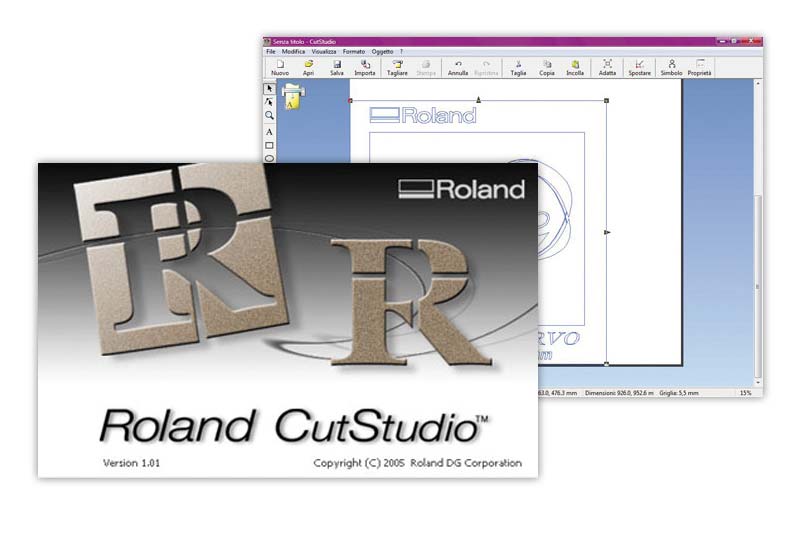
Summary of Roland CutStudio
- Makes it quicker and easier than ever to create and edit cutting data
- Advanced features include
- Weeding lines
- Perforated cutting
- Colored cutting lines
- Tiling
- Scale settings
- Overlap cutting
- Supported file formats BMP, JPG, STX, AI and EPS
- Compatible with Windows 7/8/8.1/10 (32/64-bit)
- Includes plug-ins for latest Adobe Illustrator (Mac & PC) and CorelDRAW (PC only)
- CutStudio is bundled with all Roland CAMM-1 series and STIKA vinyl cutters
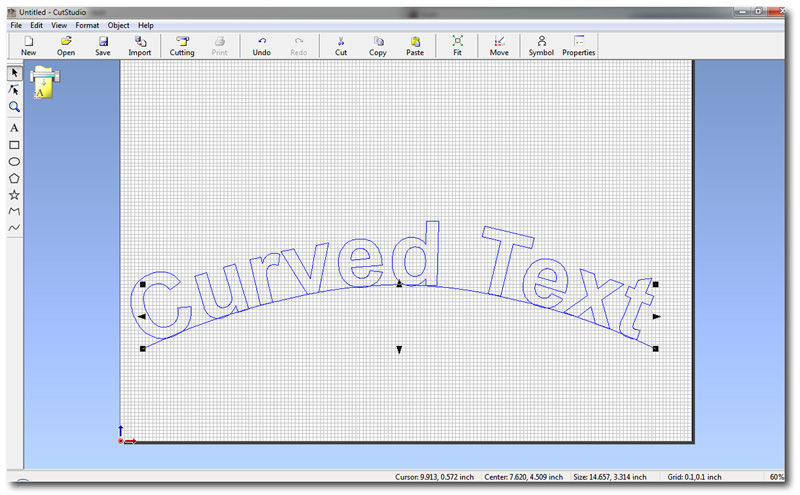
Manipulate Graphics in Moments
Roland CutStudio software makes it easy to draw and edit circles and curves, position text on lines, and import and cut files in a wide range of formats from popular design packages. The result is a seamless, user-friendly operating environment.
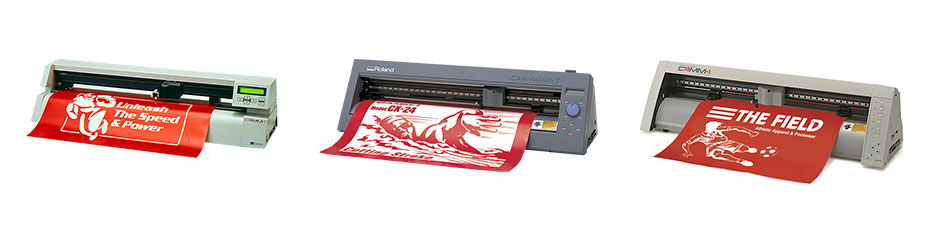
Supports Legacy Systems
CutStudio supports a wide range of legacy CAMM-1 cutters, including PNC, CM and CX series.
TrueType Fonts
Other features include
- Supports industry file formats such as BMP, JPG, STX, AI and EPS.
- Weeding lines: minimize production time with the ability to include vertical, horizontal and 'ring throw' lines for weeding.