

DTF Printer
From design to print, without guesswork Built for consistent, dependable DTF production
The VersaStudio BY2-20 is a compact direct-to-film solution designed for apparel decoration. Combining the DTF printer, software, ink, film and powder in a connected workflow, it supports accurate file preparation, stable production and consistent results across a wide range of applications.
HIGH-QUALITY
OUTPUT
Print sharp, vibrant graphics with strong white density and consistent, repeatable results every time.
STREAMLINED
DESIGN-TO-PRINT
Included Roland DG software tools support accurate artwork design, print preparation and output.
RELIABLE
PRODUCTION
Stable performance and controlled output support dependable, uninterrupted production every day.
FLEXIBLE
APPLICATIONS
Produce transfers for cotton, polyester and more across a wide range of products and applications.
Expand your product offering
Produce custom graphics for T-shirts, sportswear, bags and more, supporting a wide range of everyday apparel jobs. The BY2 enables short runs, one-offs and varied designs, making it suitable for on-demand production and small-batch work. Alongside DTF printing, the BY2 also supports standalone cutting and hybrid DTF/HTV workflows for graphics, lettering and apparel applications.
VersaStudio BY2-20 DTF Printer
The VersaStudio BY2-20 is a complete DTF solution for apparel decoration. By working within a defined DTF process, it helps maintain accurate file preparation, stable printing, and consistent results across a wide range of applications.
- Compact 20" direct-to-film printer - for apparel, accessories and textile decoration
- Dual white ink configuration - with S-PG2 CMYK + White inks supports stable DTF production.
- Complete solution - with Roland DG DTF Film, S-Powder, Connect Designer and VersaWorks 7
- Supports standalone cutting - for HTV graphics, lettering, numbering and specialty media applications
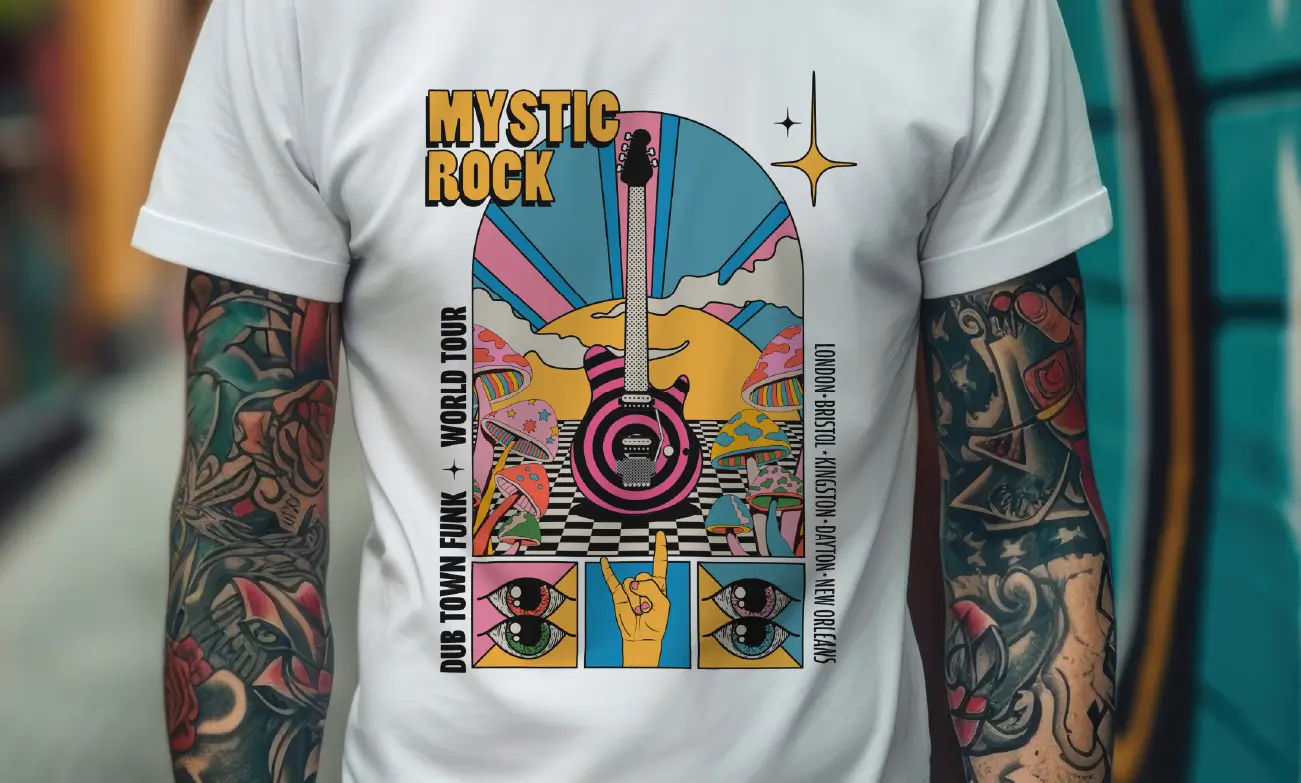
T-shirts
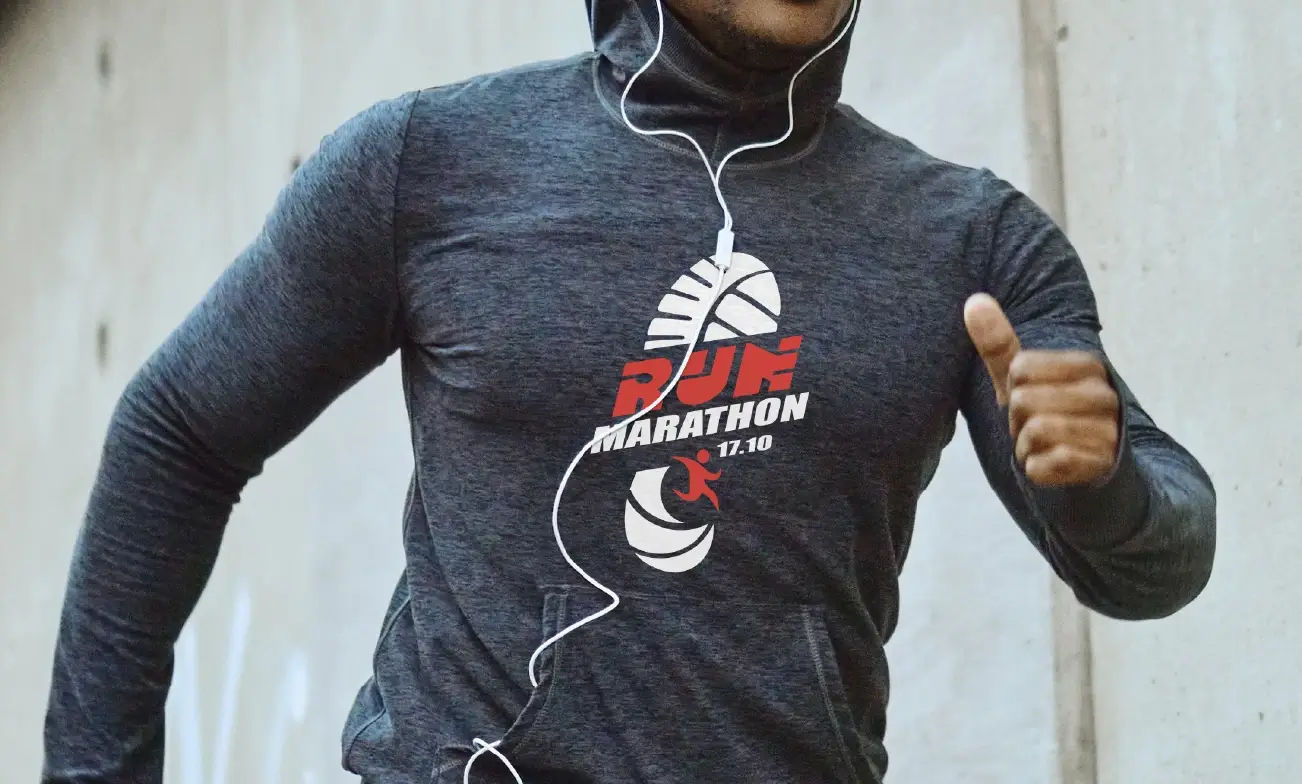
Sportswear
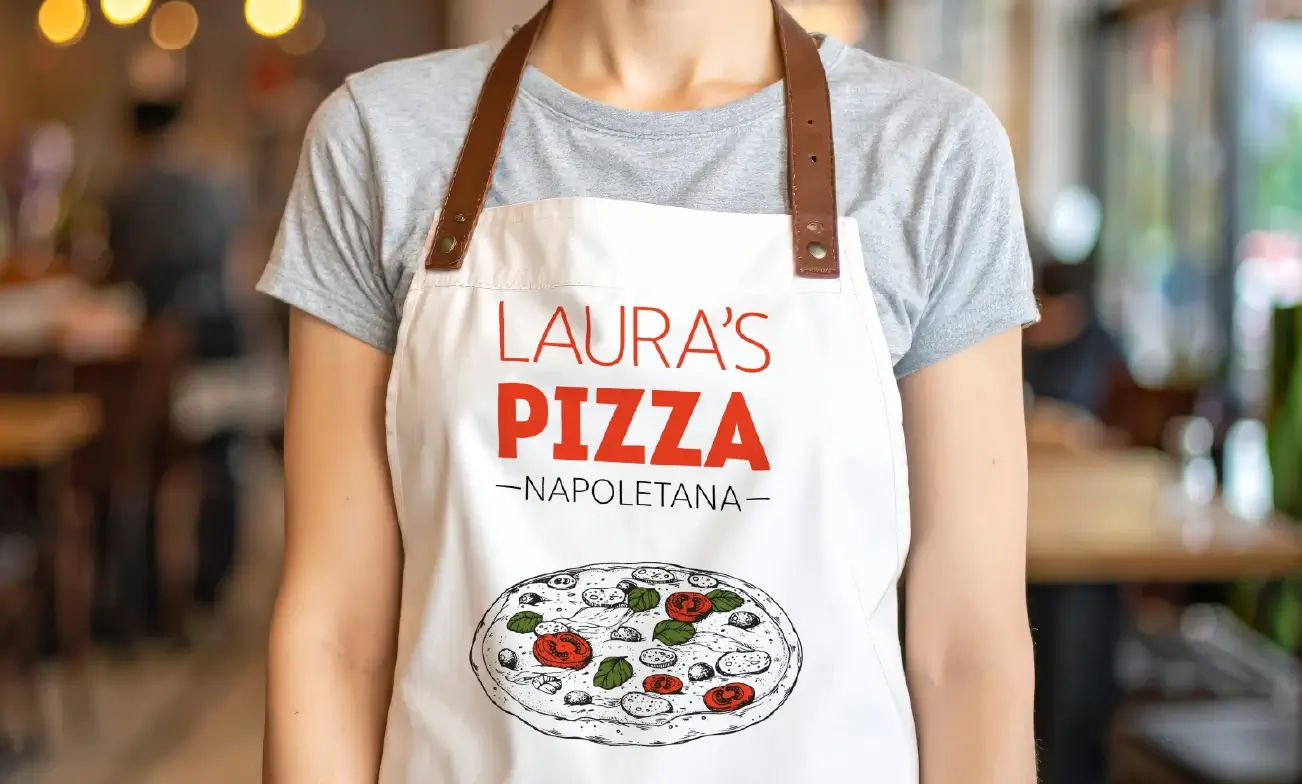
Aprons and more

Tote bags
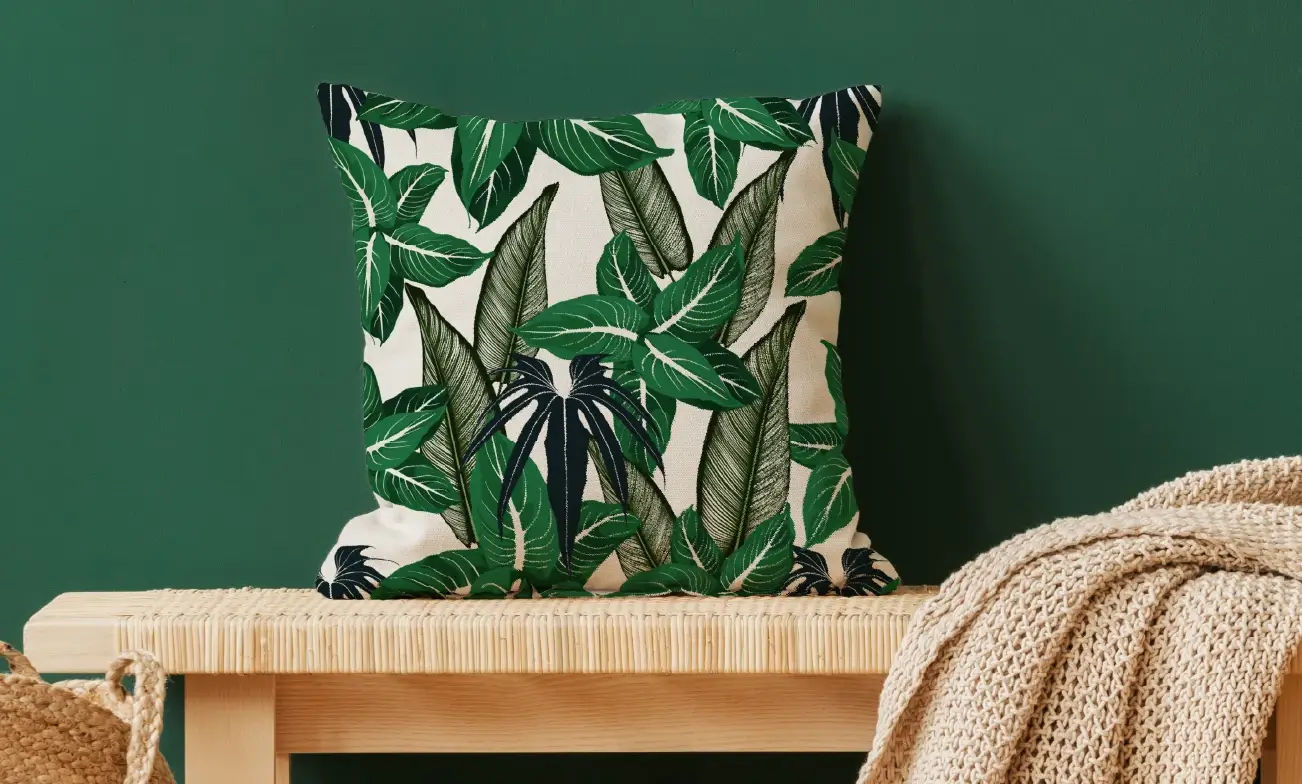
Home décor
Consistent, high-quality output
Produce sharp, detailed graphics with accurate color, strong white coverage and reliable wash durability. Controlled ink laydown and S-PG2 inks help maintain clarity across very thin lines, small text and intricate details.
The dual white ink system, with 500 ml cartridges, supports consistent output across longer runs. This helps maintain detail and overall print quality from the first job through to ongoing production.
Reliable production
Maintain stable output during continuous DTF production with controlled ink delivery and consistent printhead performance. Refined print stability helps reduce variation and supports reliable results across longer runs.
Continuous production support enables steady operation with clear status visibility throughout each job. Automated maintenance functions help keep the printer ready for output while reducing unnecessary interruption or rework.
Streamlined workflow
The BY2 combines design, preparation and output within a connected DTF workflow. Roland DG Connect Designer and VersaWorks 7 support accurate file setup, including white layer generation and transparent data handling, helping reduce errors before printing.
Simplified controls and utility software keep operation clear, while automated media adjustment supports accurate alignment and reduces skew during printing.
DTF and cutting applications
Standalone cutting supports graphics, lettering, numbering and specialty media applications, allowing you to expand beyond DTF into additional cut-only workflows or hybrid DTF/HTV processes.
Alongside cutting, the BY2-20 produces transfer-ready graphics for cotton, polyester blends, denim, nylon, rayon and other fabrics, supporting a wide range of apparel and textile applications.
Understanding the DTF process
DTF production follows a structured sequence from print data preparation to final transfer. Each stage plays a role in achieving consistent, reliable results across different materials and applications.
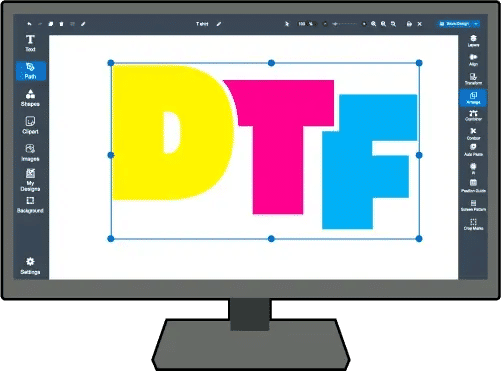
1: Prepare print data
Prepare print data by adding a white base layer to the CMYK artwork using Roland DG Connect Designer or VersaWorks. These included tools support accurate file setup, helping ensure correct structure before moving into print production.
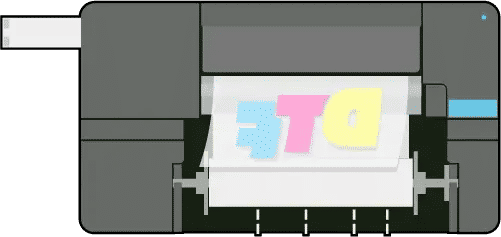
2: Print to film
Print the design onto Roland DG DTF Film using S-PG2 CMYK and white inks. The image is applied to the film in reverse, then moves directly to powder application while the ink is still wet, supporting an efficient DTF workflow.
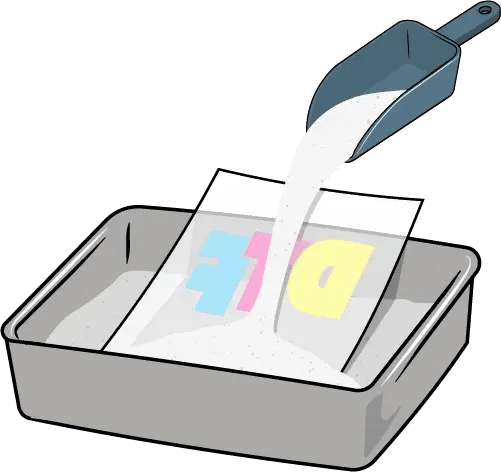
3: Apply powder
Apply Roland DG S-Powder to the still-wet ink, then remove any excess. This can be done by hand or with a compatible shaker unit integrated into the workflow, supporting consistent coverage across the full printed surface.
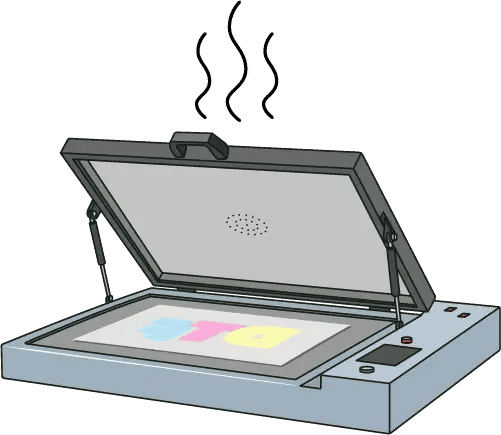
4: Cure the powder
Melt and cure the powder under controlled temperature and time conditions. An oven or shaker unit with exhaust and heat-retention functions is recommended to support even curing and stable transfer performance.
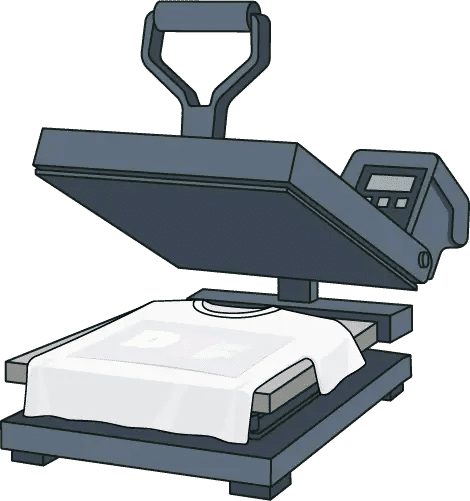
5: Transfer with heat and pressure
Apply the cured film to fabric using a heat press at the recommended temperature and pressure. A flatbed heat press is recommended, followed by pre-press, transfer press and final press stages to improve durability and overall finish.
Need pricing or specification details?
We’ll provide a quote tailored to your requirements.Included DTF workflow software
Included workflow software supports the full DTF production process, from artwork preparation and print setup through to output management and device monitoring. Together, these tools help maintain structured production, consistent results and stable day-to-day operation.



Built for stable DTF production
The following features support structured, reliable DTF production, helping maintain consistent output and stable day-to-day operation across a wide range of applications.

Refined print stability
Controlled ink delivery and stable printhead performance support consistent DTF output.

Dual white ink system
Dual white ink configuration helps maintain stable density during longer print runs.

Integrated design software
Roland DG Connect Designer and VersaWorks support print-ready file preparation and output.

Automated media setup
Sensor-based adjustment supports accurate media alignment and reduces skew.
Multi-application support
Support DTF production and standalone cutting within one compact device.
Wide material compatibility
Produce transfers for cotton, polyester, denim, nylon and other fabric types.

Roland DG Connect platform
Monitor printer status, maintenance activity and production performance remotely.
Compact production design
Compact footprint supports efficient placement in production and retail spaces.
Additional information
Datasheet
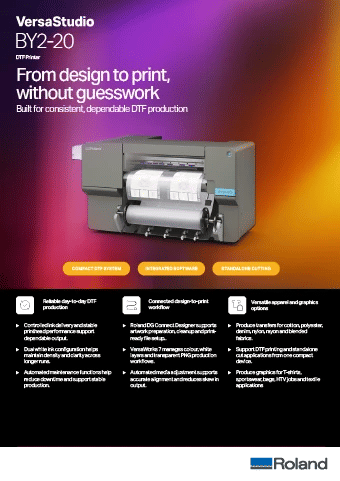
Download your BY2-20 datasheet
Download a quick overview of the VersaSTUDIO BY2-20, including key features, software tools and technical specifications.
Download datasheetSpecifications
| Model: | BY2-20 | |
|---|---|---|
| Printing method | Piezo ink-jet method | |
| Media | Width | 150 to 515 mm (5.91 to 20.27 in.) |
| Thickness |
Max. 1.0 mm (39.3 mil) with liner, for printing Max. 0.4 mm (15.7 mil) with liner and 0.22 mm (8.6 mil) without liner, for cutting |
|
| Roll outer diameter | Max. 150 mm (5.9 in.) | |
| Roll weight | Max. 6 kg (13.2 lb.) | |
| Core diameter | 76.2 mm (3 in.) or 50.8 mm (2 in.) | |
| Printing/cutting width (*1) | Max. 480 mm (18.89 in.) | |
| Ink | Type | S-PG2 INK 220 ml or 500 ml cartridge |
| Colors | Five colors (cyan, magenta, yellow, black, and white[×2]) | |
| Printing resolution (dots per inch) | Max. 1,440 dpi | |
| Cutting speed | 10 to 150 mm/sec (0.4 to 5.9 in./sec) | |
| Blade force (*2) | 30 to 500 gf | |
| Blade | Type | Roland CAMM-1 series blade |
| Offset | 0.000 to 1.500 mm (0.0 to 59 mil) | |
| Software resolution (when cutting) | 0.025 mm/step (0.98 mil/step) | |
| Media heating system (*3) | Print heater set temperature | 30°C to 35°C (86°F to 95°F) |
| Dryer set temperature: | 30°C to 38°C (86°F to 100.4°F) | |
| Connectivity | Ethernet (100BASE-TX/1000BASE-T, automatic switching) | |
| Power-saving function | Automatic sleep feature | |
| Rated input | 100-240 VAC, 50/60 Hz, 2.1 A | |
| Power consumption | During operation | Approx. 185 W |
| Sleep mode | Approx. 32 W | |
| Acoustic noise level | During operation | 62 dB (A) or less |
| During standby | 60 dB (A) or less | |
| Dimensions (Width x Depth x Height) | 1,069 mm × 787 mm × 622 mm (42.09 in. × 30.99 in. × 24.49 in.) | |
| Weight | 66 kg (145.5 lb.) | |
| Environment | During operation |
Temperature: 20 to 28°C (68 to 82.4°F), Humidity: 40 to 60%RH (no condensation) |
| Not operating |
Temperature: 5 to 40°C (41 to 104°F), Humidity: 20 to 80%RH (no condensation) |
|
| Included items |
Power cord, media holders, replacement blade for separating knife, User's Manual, Software (VersaWorks, Roland DG Connect), etc. |
|
|
||
Talk to an Expert

Support for ongoing production
- Regional Roland DG support teams
- Installation and onboarding guidance
- Training and workflow assistance
- Ongoing technical support